
Choosing home security cameras sounds simple until you open an online store and meet dozens of models, full of acronyms like PoE, NVR, IP and Wi-Fi. The most common question is a single one: should you install wireless cameras or invest in a wired system?
The answer depends on your home, your internet connection and how much upkeep you are willing to take on. In this guide we compare both paths, look at storage and privacy, and cover the habits that keep a camera from becoming an open door for intruders.
Wi-Fi or wired: the difference that matters
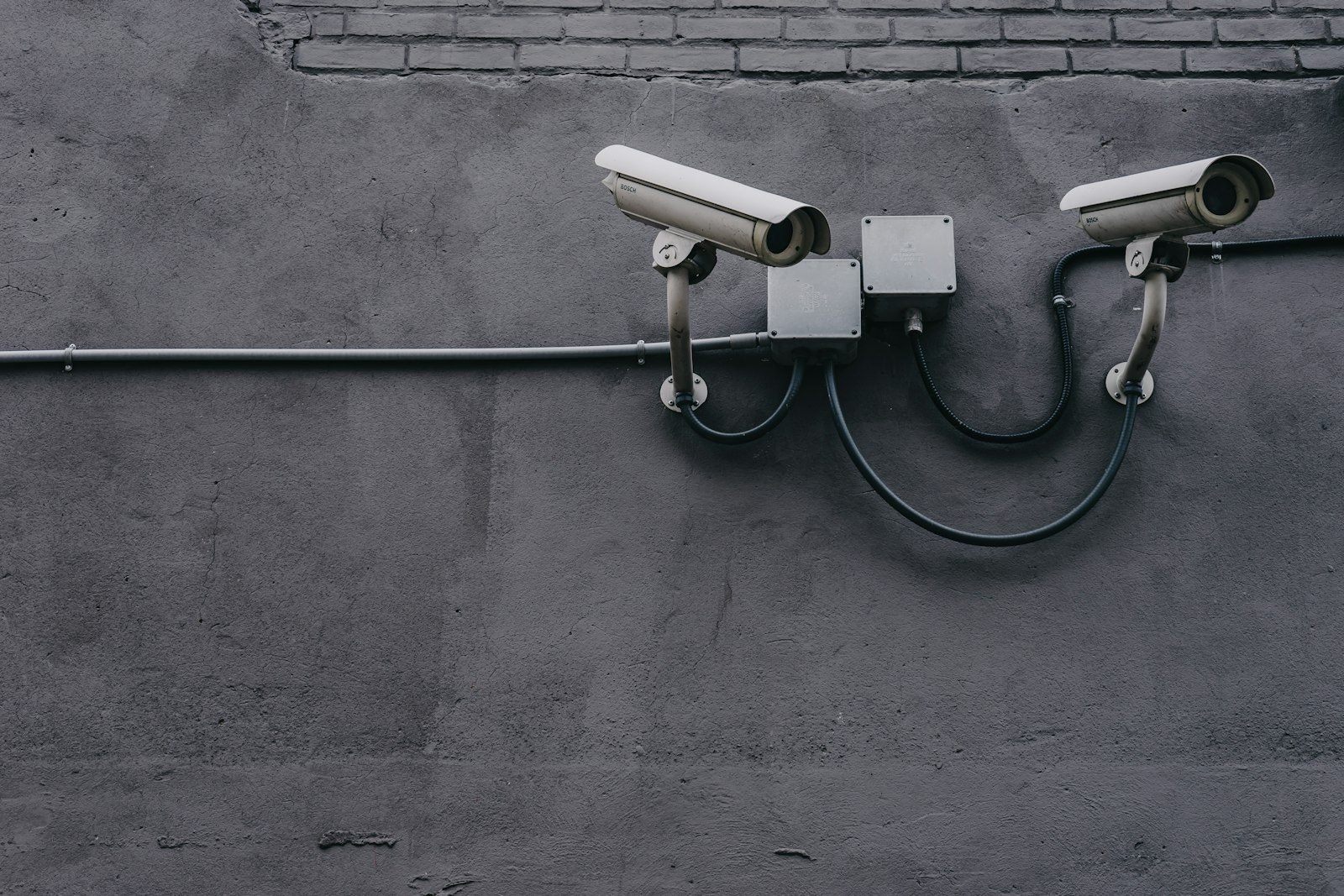
A Wi-Fi camera sends video through the air to your router. It is usually the easiest to install, but it still needs power from an outlet, a power adapter or a battery. A wired camera uses a network cable to carry data to the router or to a recorder. When the model supports PoE (Power over Ethernet), that same cable also carries power, so the mounting spot does not need an outlet.
According to Reolink’s guide, a standard Ethernet channel reaches 100 meters (328 feet), and the 802.3af and 802.3at standards deliver 15.4 W and 30 W at the port, respectively. Longer runs call for extenders or an intermediate switch, which means more planning.
Quick comparison
| Criterion | Wi-Fi | Wired (PoE) |
|---|---|---|
| Installation | Simpler; may need no drilling | Requires running cable; often needs a professional |
| Power | Outlet, adapter or battery | Through the network cable itself |
| Stability | Depends on your router’s signal | Tends to be more stable |
| Flexibility | Easy to move around | Position is nearly fixed |
| Rental home | Usually more practical | Talk to your landlord first |
| Upfront cost | Generally lower | Generally higher, with cable, switch and recorder |
These differences are general tendencies, not rules: results vary by model, brand and the quality of your home network. Prices vary by region, store and specification.
When to choose each type
A Wi-Fi camera makes sense for apartments, rentals and anyone starting with one or two units. If your router is far from the spot you want to monitor, the signal may drop and cause video gaps, so test the location before you drill into a wall. To see how the network fits into the rest of your home, read our guide to home automation for beginners.
A wired system often pays off in larger homes, with a yard, a garage and several areas to watch, and for people planning a long-lasting setup. Because it involves running cables and sometimes powering equipment, hire a qualified professional for the installation work.
Where to install: placements that usually make sense
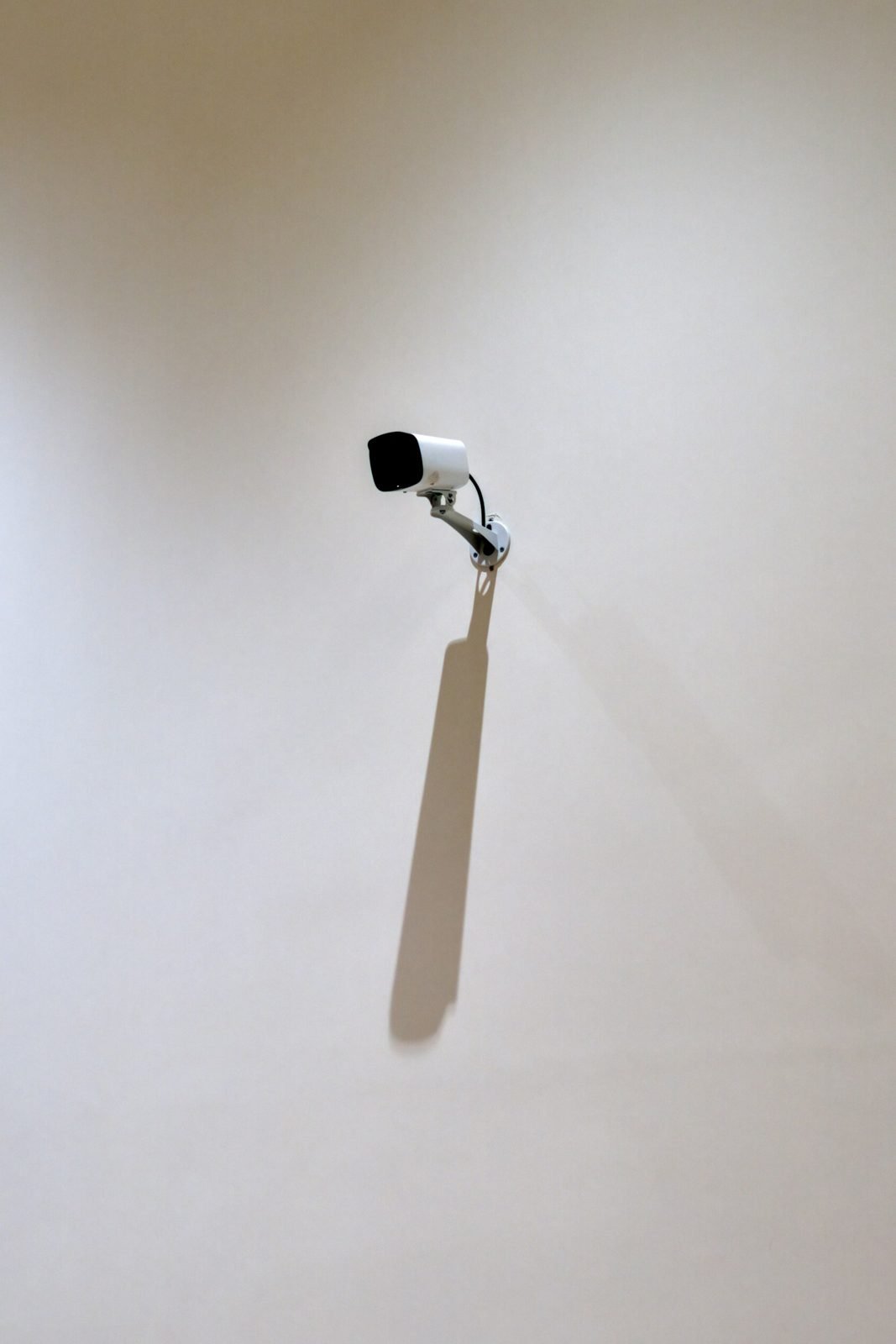
Instead of spreading cameras around, start with the entry points: the gate, the front door, the garage and ground-floor windows. Think about the field of view before mounting: it should cover your own property and the access you want to watch. Avoid pointing at glass, which tends to cause glare, and consider the lighting, since night footage also depends on the light available. If you are reviewing the lighting of your home, our article on home lighting design can help.
Storage: memory card, recorder or cloud
Footage has to be kept somewhere, and there are three main paths:
- Memory card in the camera: simple and free of monthly fees, but if the camera is stolen or damaged, the recordings go with it.
- Recorder (NVR or DVR): stores video on a device inside your home, usually on a hard drive; common in wired systems.
- Cloud: records to the manufacturer’s servers, usually requires a subscription and puts the privacy of your footage in the company’s hands.
Before buying, check how the product stores video, for how long and at what cost, if there is a subscription. Do not assume the cheapest model includes all of this.
Digital security: your camera can be hacked too
A connected camera is a small computer on the internet. In 2023, the U.S. Federal Trade Commission announced a $5.8 million settlement with Ring after pointing to privacy and security failures that exposed customer videos, including footage of children, to intruders.
The basic precautions are the ones cybersecurity agencies recommend. The CISA alert about the UK NCSC advisory sums up three steps: change the default password to a strong one, keep the software up to date and turn off remote access if you do not use it. The NCSC also suggests enabling automatic updates when available and considering turning off UPnP and port forwarding on your router, knowing this may affect other devices.
Privacy: what to film and what to avoid
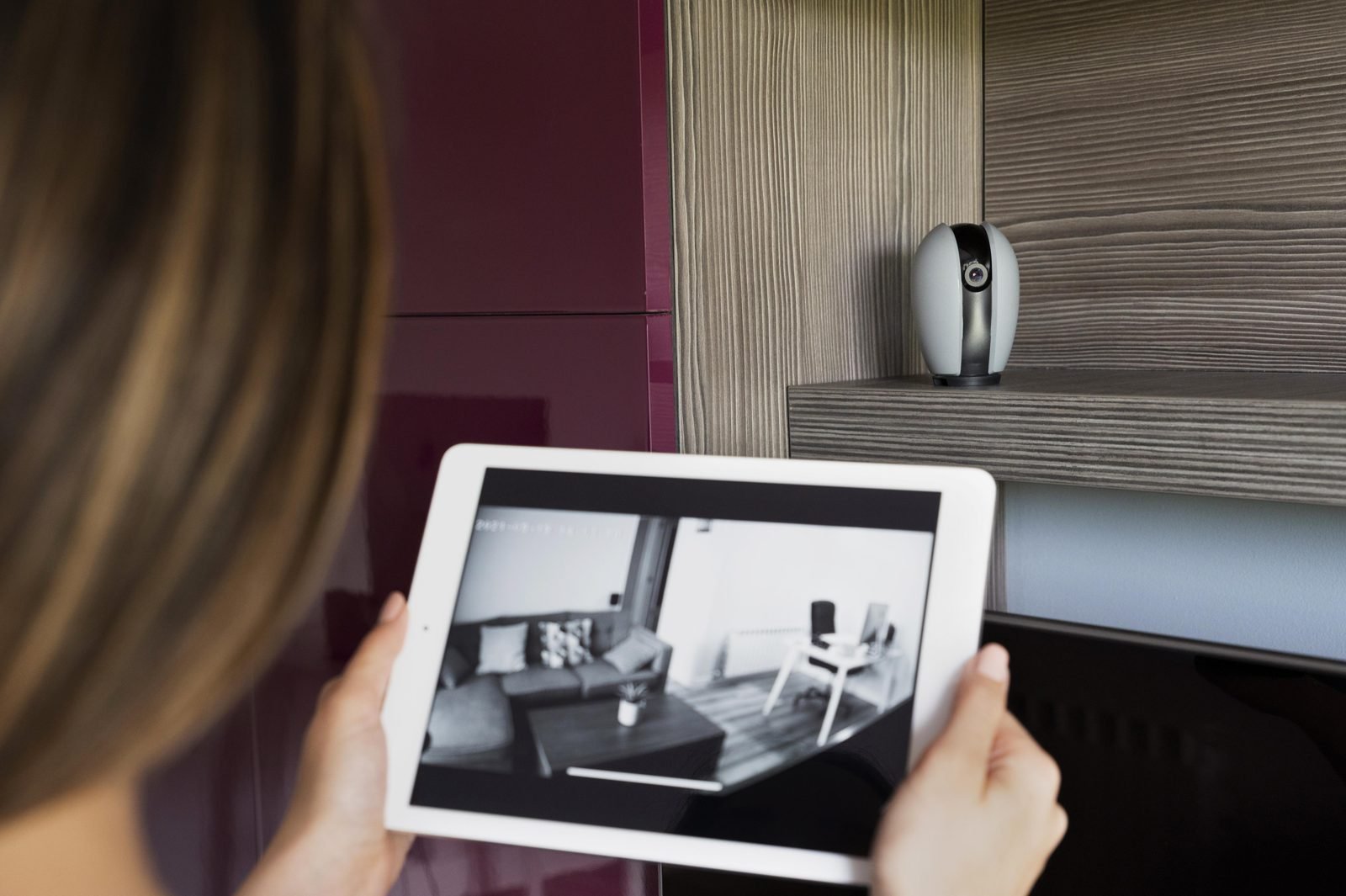
A camera at home also raises questions about who appears in the footage. Rules differ widely from country to country and even between cities and buildings, so check local law, your homeowners’ association or building rules, and your lease before installing. Pointing a camera at a neighbor’s windows or yard is the classic source of conflict.
In practice, aim the camera at your own property, avoid recording audio unless you need it, do not share images of other people and let visitors and service providers know when it makes sense. If you rent, talk to your landlord first. For legal doubts, consult a lawyer: this article is not legal advice.
Checklist before you buy
- Define the areas to watch and measure the distance to the router or recorder.
- Choose between Wi-Fi and wired according to the property and whether drilling is possible.
- Check how the product stores footage and whether there is a monthly fee.
- Confirm that the manufacturer offers security updates.
- Prefer models that allow two-step verification on the account.
- Plan the position thinking about what the camera might capture beyond your own property.
If you rent, our article on renter-friendly decorating follows the same logic of agreeing changes with the landlord before making any holes.
Frequently asked questions
Does a Wi-Fi camera work without internet?
It depends on the model. Many rely on the internet for alerts and remote access, and some record locally to a memory card even without a connection. Check the manufacturer’s description before buying.
Does a PoE camera need an outlet?
Not at the camera’s location: power comes through the network cable. The PoE switch or injector that feeds the cable does need an outlet somewhere in the house.
Can I install cameras myself?
Wi-Fi models are usually designed for simple installation. Wired systems and any electrical part call for a qualified professional, especially on outdoor runs.
How can I reduce the risk of being hacked?
Change the default password, keep the firmware updated, use two-step verification when available and turn off remote access if you do not need it.
Conclusion
To start, Wi-Fi cameras in a few spots solve many cases; wired systems gain ground when the home is larger and the project is long term. Either way, digital security and respect for privacy are part of the choice. Tell us in the comments what type of camera you use and what you would change.
Sources and references
- CISA. NCSC Releases Advisory on Securing Internet-Connected Cameras (March 5, 2020).
- NCSC (UK). Smart security cameras: using them safely in your home.
- FTC. Ring’s privacy failures led to spying and harassment through home security cameras (May 2023).
- Reolink. PoE distance limit explained.
This article is for informational purposes, was prepared with the help of artificial intelligence tools and reviewed by the author, and does not replace advice from a qualified professional or legal counsel. To learn more, see our editorial policy.
Featured image: Image: wirestock / Freepik


Leave a Reply