
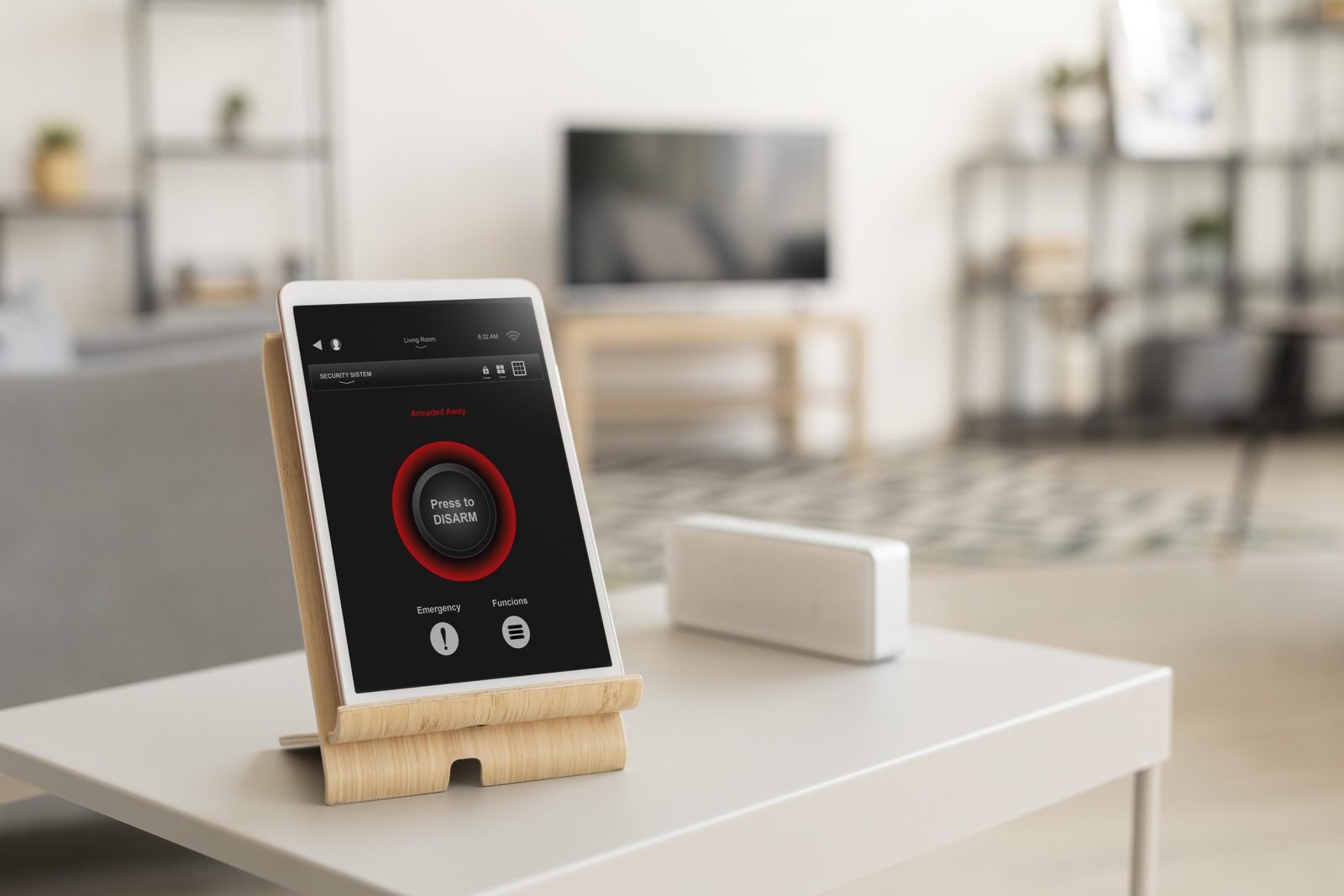
Home automation is no longer reserved for movie-theater rooms and luxury architecture projects. Whether you rent an apartment or own a house, you can start with a few items: a voice assistant, a smart plug and a smart bulb. The hard part is not buying, it is buying in the right order, without piling up gadgets that do not talk to each other.
This guide offers a step-by-step path for home automation for beginners, with little money and little or no construction: what to have at home, how to choose a voice assistant, what the Matter standard is, and how to protect your network.
What home automation means in practice
Home automation means making the house respond to commands or rules you define: turning on a light by voice, switching a device on at a set time, turning everything off when you leave. It usually relies on three pieces: an internet connection, a control point (a phone app or a smart speaker with a voice assistant) and compatible devices such as bulbs, plugs, switches, cameras and locks.
Drop the idea of a “complete smart home” and think about small daily problems: arriving home in the dark, getting off the sofa to turn off the living room light. Each small problem solved is worth more than ten devices installed out of curiosity.
Step 1: stable internet and a control point
Before any bulb, look at your Wi-Fi. Most affordable devices talk to the router, and a network that drops or fails to reach distant rooms makes devices “disappear” from the app.
There is also a spec-sheet detail that catches beginners. Some products work only on a certain Wi-Fi band, and many articles on the topic never mention it. Check the box or the manufacturer’s page for the band a device requires before you buy.
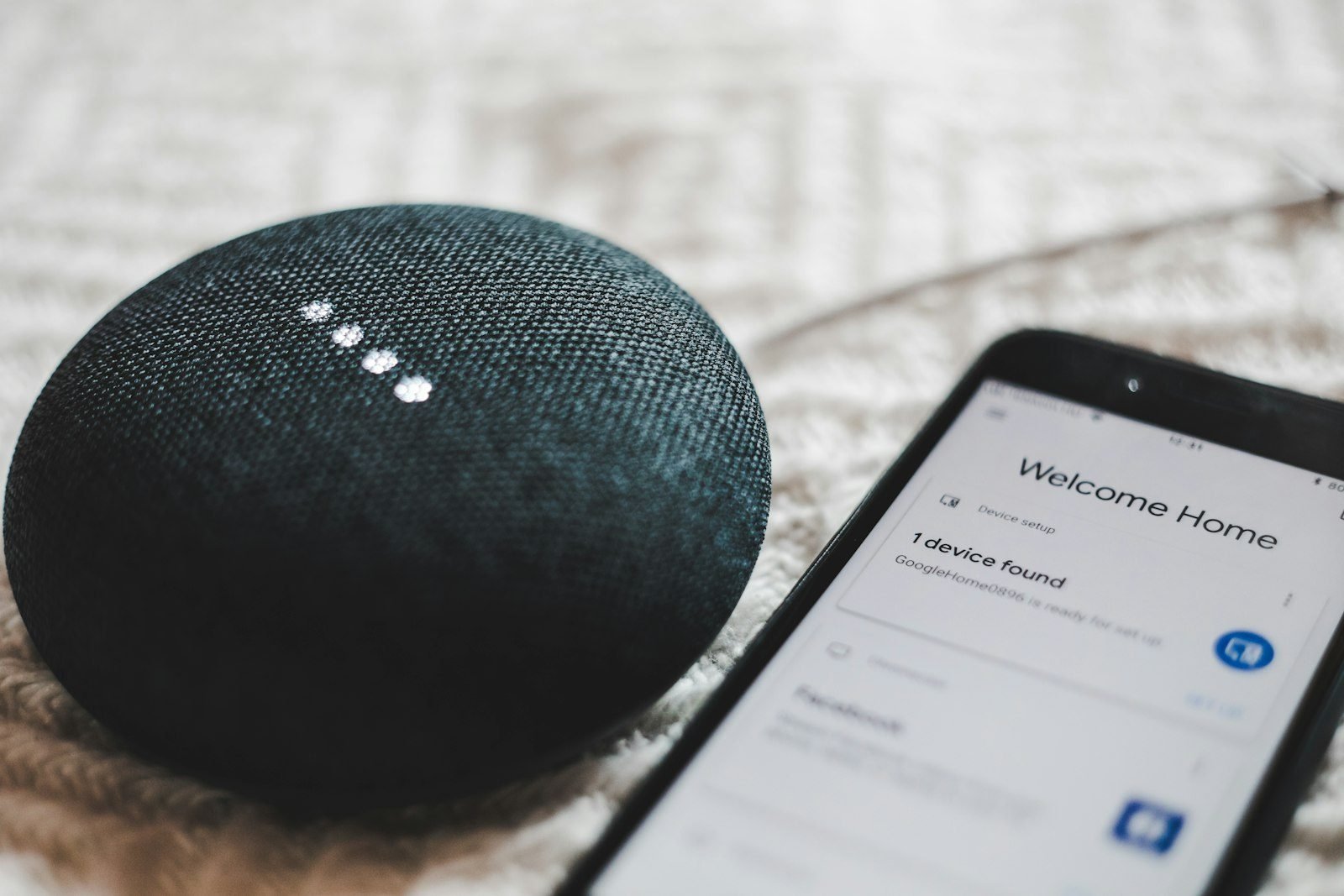
The control point can be just the manufacturer’s app, but the experience improves when you centralize everything in a voice assistant. According to the Brazilian shopping site Buscapé, a smart speaker with an assistant such as Alexa or Google Assistant centralizes voice commands and controls the connected devices in the home.
Step 2: choose the voice assistant before the devices
Alexa, Google Assistant and Siri appear on the boxes. Pick the ecosystem first and buy devices afterward, checking each one’s compatibility. That avoids having three apps to turn on three lights.
- The phone you already use: iPhone owners often fit better in Apple’s ecosystem; Android users tend to get along well with Google’s.
- What you already own: if your TV, speaker or router already works with an assistant, start there.
Step 3: the first devices, from simplest to most complex
In a list of basic items for beginners, the Brazilian site Olhar Digital gathers a smart bulb, smart plug, smart power strip, smart switch, universal infrared controller, Wi-Fi camera and even a digital lock. The table sorts them by installation effort; not all of it needs to come at once.
| Device | What it does | Installation |
|---|---|---|
| Smart plug | Turns ordinary appliances on and off by app, voice or schedule | Plugs into the outlet, no construction |
| Smart bulb or socket adapter | Controls lighting by voice and routines | Swap the bulb or use an adapter |
| Universal infrared controller | Brings remote-controlled TVs and air conditioners into routines | Place it with line of sight to the devices |
| Smart wall switch | Replaces the switch on the wall | Involves home wiring; hire a licensed electrician |
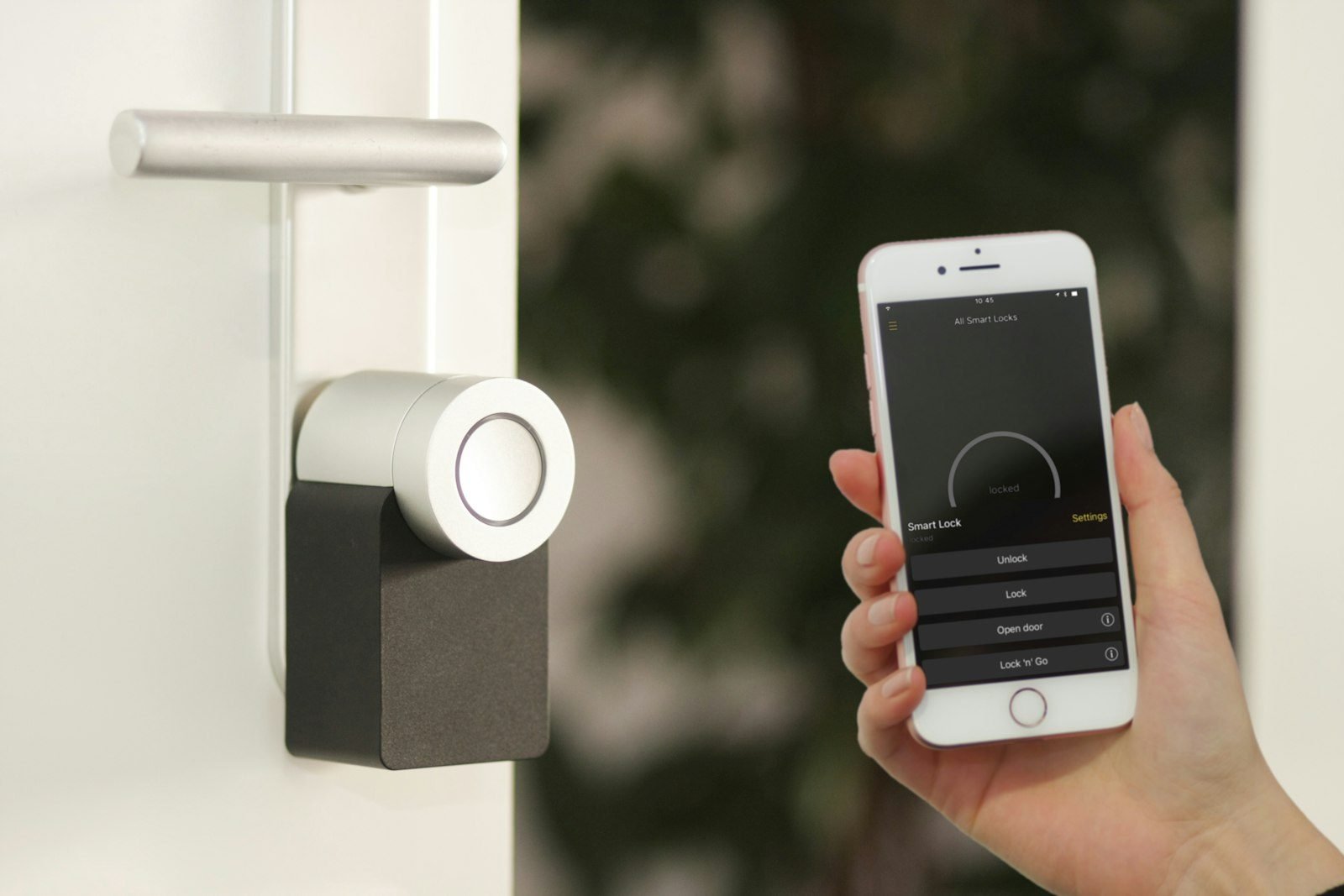
| Digital lock | Opens the door by code, fingerprint or app | Installed on the door; check lease and building rules |
The smart plug is the cheapest and most versatile entry point: it turns a lamp, a fan or a coffee maker into a programmable device. According to Olhar Digital, some smart power strips can also schedule and monitor energy use, which helps you see what stays on needlessly. Do not expect a specific saving: it depends on how each household uses its devices.
Step 4: understand Matter before spending more
Matter is a standard designed so devices from different brands work together. According to the Connectivity Standards Alliance (CSA), it aims to provide reliable, secure connectivity and runs over Wi-Fi and Thread, with Bluetooth Low Energy used for initial setup. The CSA lists Amazon, Apple, Google and Samsung SmartThings among the ecosystems rolling it out through software updates.
What does that mean for a beginner? Buying devices that declare Matter support tends to give you more freedom to switch assistants later. But there are limits. According to NextPit, products must be certified and some need firmware updates that may never reach older devices. The standard defines baseline functions per category, so a manufacturer’s app may still offer extra features. And Thread devices need a Matter border router, a role some smart speakers and hubs already fill.
You do not need to wait for the “perfect standard” to begin, but between two similar products, prefer the one that states Matter support and compatibility with your assistant.
Step 5: protect your network and data
Every connected device is one more door into your network, so security belongs in home automation from the first gadget. Tom’s Guide gathers recommendations that apply to any home:
- Change the default password during setup; if the device does not allow it, consider replacing it.
- Use long, unique passwords for each device and account, with a password manager.
- Turn on two-factor authentication on device accounts whenever it exists.
- Change the router’s admin password, since it guards every device.
- Keep firmware and apps updated and review the permissions each app requests.
- If possible, put smart devices on a separate guest network, away from computers and phones.
The same guide notes that unknown, very cheap brands tend to carry more risk. Cameras and locks deserve extra care because they deal with images and access to your home.
Renting or living small: starting without construction
If you rent or live in a small space, favor devices that plug in rather than install: smart plugs, bulbs, socket adapters and infrared controllers leave with you when you move. Switches and locks touch the structure of the home; in those cases, talk to your landlord and, for electrical work, hire a licensed professional. See also how to decorate a rental. From the viewpoint of someone who follows the real estate market, reversible solutions are simpler to undo when you return the property. For lighting, combine smart bulbs with the ideas in our home lighting design guide, and if space is tight, read about small apartment decorating.
Frequently asked questions
Do I need a hub to start?
Not always. Many Wi-Fi devices work directly with their app and with a smart speaker. A hub or infrared controller becomes useful for appliances that only have a remote, such as TVs and air conditioners, or for devices that use other protocols.
Does home automation require construction?
Not necessarily. Plugs, bulbs and cameras do not. Switches and locks involve the structure or wiring of the home, and electrical installation should be left to a licensed professional.
Do devices from different brands work together?
It depends on compatibility. Matter was created for that, but not every product is certified and some functions stay inside the manufacturer’s app.
Is automating a home safe?
It can be, with basic care: strong unique passwords, two-factor authentication, updates, and if possible a separate network. Avoid products that cannot be updated.
Conclusion
Start small: stable Wi-Fi, a voice assistant, a smart plug and a smart bulb, and only then move on. Choose the ecosystem before shopping and treat security as part of the package. Tell us in the comments which device came first in your home and what problem it solved.
Sources and references
- Connectivity Standards Alliance (CSA). Matter.
- NextPit. Matter smart home standard.
- Olhar Digital (in Portuguese). Basic home automation items for beginners (July 4, 2025).
- Buscapé (in Portuguese). Smart home: what you need and how to set it up.
- Tom’s Guide. 7 essential smart home security tips to keep hackers out.
This article is informational, was prepared with the help of artificial intelligence tools and reviewed by the author, and does not replace advice from a licensed professional for electrical work. Learn more in our editorial policy.
Featured image: Image: Freepik / Freepik

Leave a Reply