
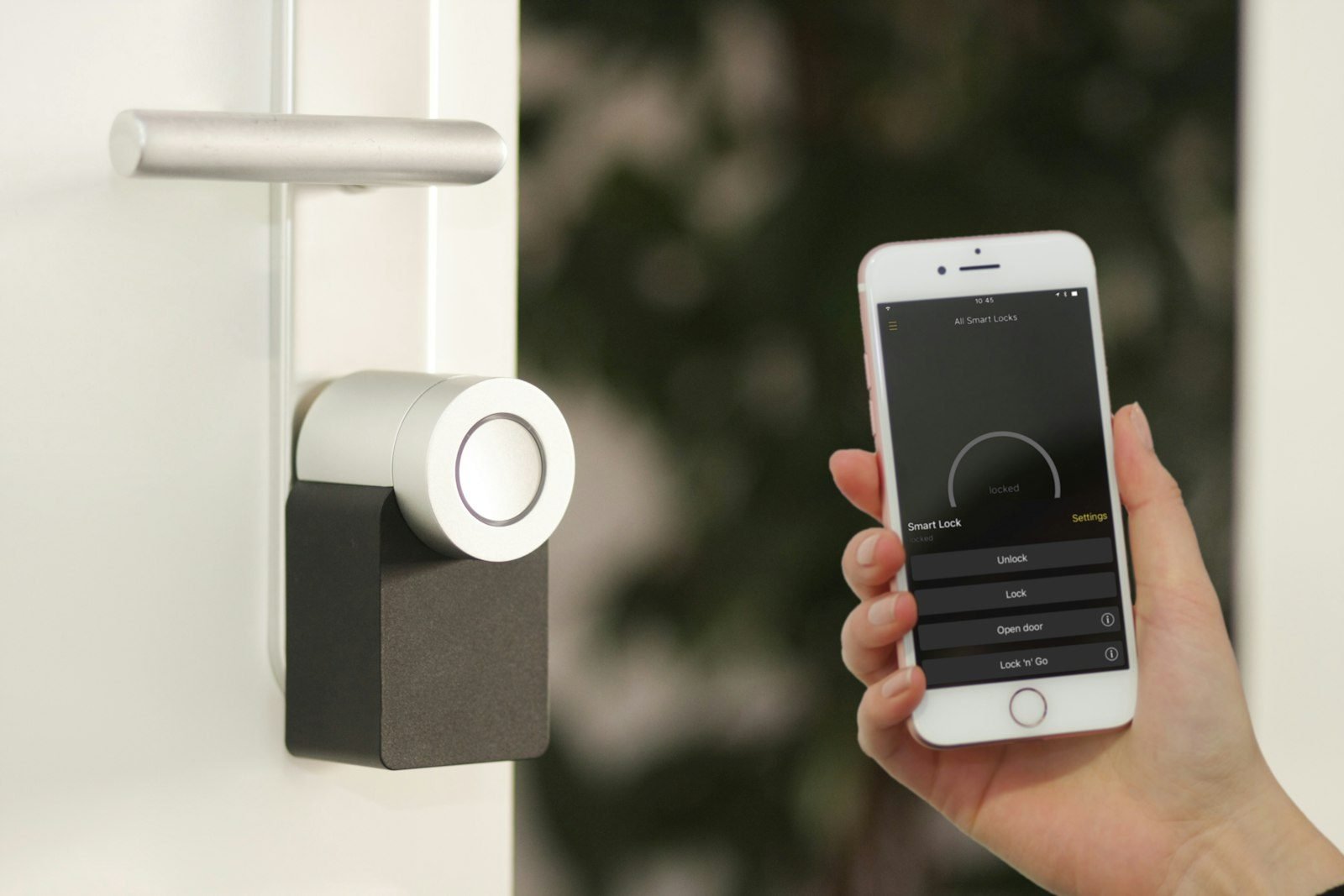
A smart lock replaces or complements the metal key with a code, fingerprint, tag, card or app. The idea is simple, but choosing one is not: the model has to fit your door, keep working when the battery runs low, and give you a plan B when your phone, Wi-Fi or power fails.
This guide covers the main ways to unlock, the measurements to check before buying, what changes between Wi-Fi, Bluetooth and Matter, and which security habits matter most.
How a smart lock works in practice
At its core there is a motor that moves the bolt, a keypad or reader that checks who is trying to get in, and a power source, almost always batteries. When the check passes, the motor releases the door. What differs from model to model is how it checks and how much it relies on the internet.
There are two main formats. A surface-mounted lock attaches to the inside face of the door and, according to Olhar Digital, is the kind that tends to make installation easier without larger changes to the door. A mortise or built-in lock replaces the existing lock body and has to fit inside the door leaf, so measurements matter more.
Ways to unlock: which one fits your routine
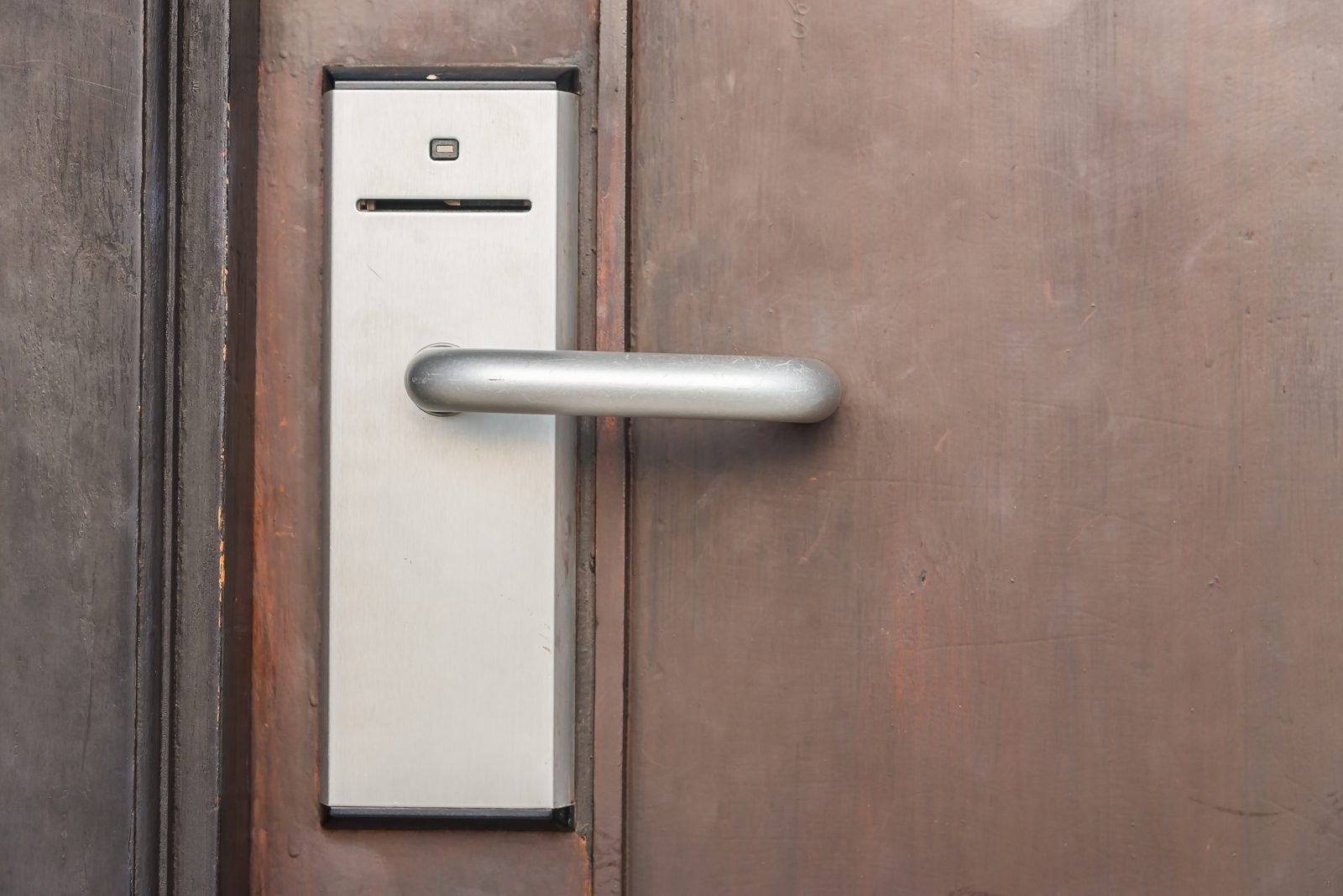
Most models combine several methods. Based on the product pages and guides consulted, the most common are in the table below.
| Method | Advantage | Watch out for |
|---|---|---|
| Numeric code | Nothing to carry; you can create codes for guests | Obvious or reused codes weaken protection |
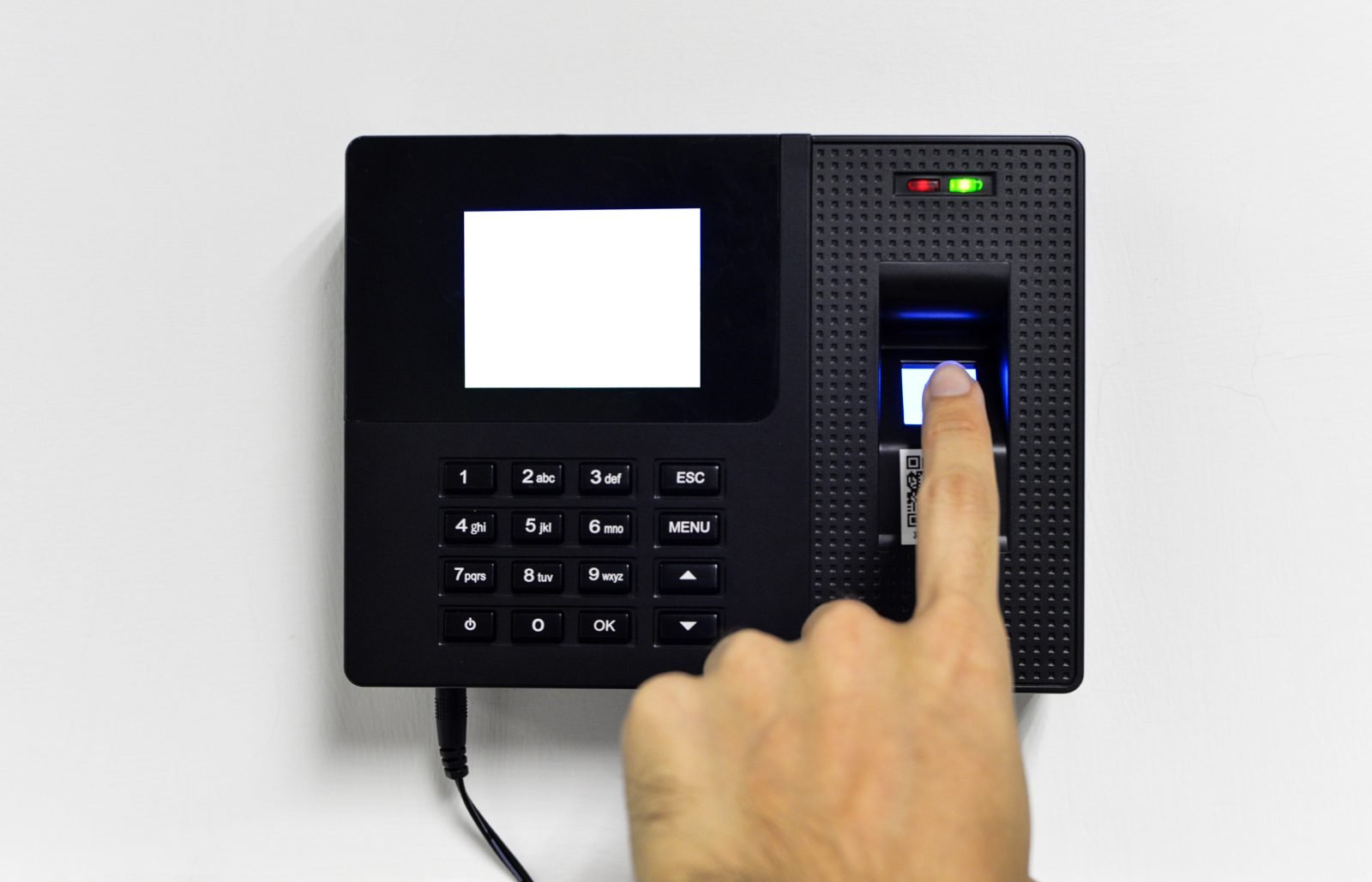
| Fingerprint | Fast, nothing to carry | Wet, dirty or injured fingers can fail; check how many prints it stores |
| Tag or card (RFID/NFC) | Easy for children and older adults | Can be lost; it helps if you can cancel a tag |
| App | Access history and remote access | Depends on phone, connection and manufacturer updates |
| Mechanical key | Plan B if the electronics fail | Keep the spare somewhere safe, away from the door |
Storage capacity varies a lot. In Olhar Digital’s roundup, the Intelbras FR 10 accepts up to 9 codes, the MFR 1001 up to 100 and the Elsys SD4100V up to 200; Intelbras’s FR 220 datasheet lists up to 100 fingerprints and 4 codes of 4 to 12 digits. If many people come and go at your home, that number counts.
Measure the door before you look at the price
This is the easiest mistake to avoid. The Intelbras FR 220 datasheet lists doors from 25 to 50 mm (about 1 to 2 in) thick. A mortise model cited by EZVIZ covers 30 to 110 mm (about 1.2 to 4.3 in), and the page says that spans the most common residential range of 35 to 55 mm (about 1.4 to 2.2 in) in Brazil.
Before buying, run through this checklist:
- measure the thickness of the door leaf;
- note which way the door opens and whether the handle is reversible;
- check whether the model is for indoor use only or tolerates outdoor exposure;
- confirm the shape of your current lock if you plan to swap it.
On weather, the FR 220 datasheet is clear: it is designed for covered areas, protected from rain and direct sun, not for full exposure. Olhar Digital describes the FR 10 as suitable for indoor and outdoor use.
Battery: the detail that catches people off guard
Nearly all of these locks run on batteries. The Intelbras FR 220 uses 4 alkaline AA cells and, per its datasheet, lasts about a year at 10 openings a day. The FR 10 also uses 4 AA cells, with up to a year of life according to Olhar Digital.
Three features make a difference on the day the charge runs out:
- Low-battery alerts, on the device and, when there is an app, on your phone. The Elsys SD4100V, for example, warns you when the batteries are nearly empty.
- Emergency power. The FR 220 accepts a 9 V battery on its external terminal; EZVIZ mentions models with a USB or Type-C port to power the lock from a power bank.
- A mechanical backup key, which EZVIZ lists as a feature of quality models.
Wi-Fi, Bluetooth or Matter: do you need the internet?
According to EZVIZ, Wi-Fi lets you manage the lock and get notifications from a distance, while Bluetooth is for proximity control. If you only want to skip the key, a model without Wi-Fi already does the job. If you want to open the door remotely or see entry history, an app makes sense.
If you plan to connect the lock to other devices, it is worth knowing Matter, a standard that runs over Wi-Fi or Thread. Nuki explains that Matter supports lock and unlock commands plus device and battery status, with local communication between the hub and the device and no need for the cloud. The company adds that it offers Matter only over Thread and that you need a Thread-capable hub. According to Silicon Labs, cited by RFID Journal, Thread can help battery life in locks. To see how this fits the rest of your home, read home automation for beginners.
One note of transparency: Matter covers a basic set of functions. Nuki’s page does not list what stays exclusive to the manufacturer’s app, so check the box or datasheet to see what a model really does with your ecosystem.
Security: what the lock does and what you need to do
The datasheets mention a few protective features: the FR 10 sounds an alarm after 5 wrong code attempts, and the FR 220 has a "Do Not Disturb" mode that blocks access from outside. They help, but they do not replace a sturdy door and frame.
On the digital side, connected products have a record of real flaws. According to Dark Reading, in 2019 a Tripwire researcher found a U-tec MQTT server with no authentication that exposed customers’ emails, IP addresses and lock timestamps; the company fixed it. Around the same time, Bitdefender, working with PCMag, showed that August’s encryption key was hardcoded in the app. These cases are old, but they show why it pays to favor manufacturers that ship regular updates.
In practice, a few habits help:
- change default codes and avoid birthdays;
- register only people who truly need access and remove those who leave;
- update the app when the manufacturer releases a new version;
- keep the mechanical key outside the home, with someone you trust;
- pair the lock with other layers, such as a home alarm system and security cameras.
Renting or living in a managed building: check first
From the point of view of someone who works with real estate: if you rent or live in a managed building, check the lease and the building rules before changing a lock. If it applies, see also renter-friendly decorating. This is general guidance; confirm what your lease and building rules say.
Frequently asked questions
Is a smart lock secure?
It depends on the model, the installation and your habits. Features like an alarm after wrong codes help, and serious manufacturers update their products. Even so, no lock replaces a strong door and other layers of protection.
What happens if the battery dies?
Models usually warn you first. Many have a 9 V terminal or a USB port for emergency power, plus a mechanical backup key, according to the datasheets and the EZVIZ guide consulted.
Do I need the internet to use one?
Not necessarily. Codes, fingerprints and tags work offline. Wi-Fi is only needed for remote access, notifications and integrations.
Can I install it myself?
Surface-mounted models are described as simpler, but follow the manual and measure the door first. If in doubt, call a qualified professional.
Conclusion
The best smart lock is the one that fits your door, offers more than one way to unlock, warns you when the battery is low and has a plan B. Start with how you actually come and go; the rest follows. Tell us in the comments which method you prefer, or keep reading about smart home basics.
Sources and references
- Olhar Digital: easy-to-install digital locks (06/27/2025, in Portuguese)
- EZVIZ Brasil: how to choose a digital lock (in Portuguese)
- Intelbras: FR 220 lock datasheet
- Nuki: Matter support
- RFID Journal: Smart Locks Simplify Integration with Home IoT (04/17/2024)
- Dark Reading: Smart-Lock Hacks Point to Larger IoT Problems
- Editorial policy
Featured image: Photo: Sebastian Scholz (Nuki) / Unsplash

Leave a Reply